Menu Changed Again? How Cafés and Restaurants Stop Reprinting
A QR code menu you can edit from your phone, with orders and reviews from the same square on the table.
The MyPersonalQR team2 min read · 9 April 2025
It is eight o'clock on a Friday and the salmon has run out. Three tables have already ordered it from a menu that still says it is there.
A menu is the one thing in a restaurant that is never finished. Prices move. Suppliers let you down. Specials change by the hour. Paper can't keep up, and you are the one who has to apologise at the table.
Put the menu behind a code, and the card on the table can finally stay the same while everything else changes.
The card on the table stays put. The menu behind it is always right.
Fix it from behind the counter
Edit the menu on your phone, in the middle of service. The guest at table six sees the change the next time they open it.
- Change a price without a print run
- Mark a dish sold out during service
- Add tonight's special in a minute
- Show allergens next to each item
- Add photos of the food, which paper rarely has room for
- 7:00 to 11:30 breakfast menu
- 11:30 to 17:00 lunch menu
- Everything else dinner menu
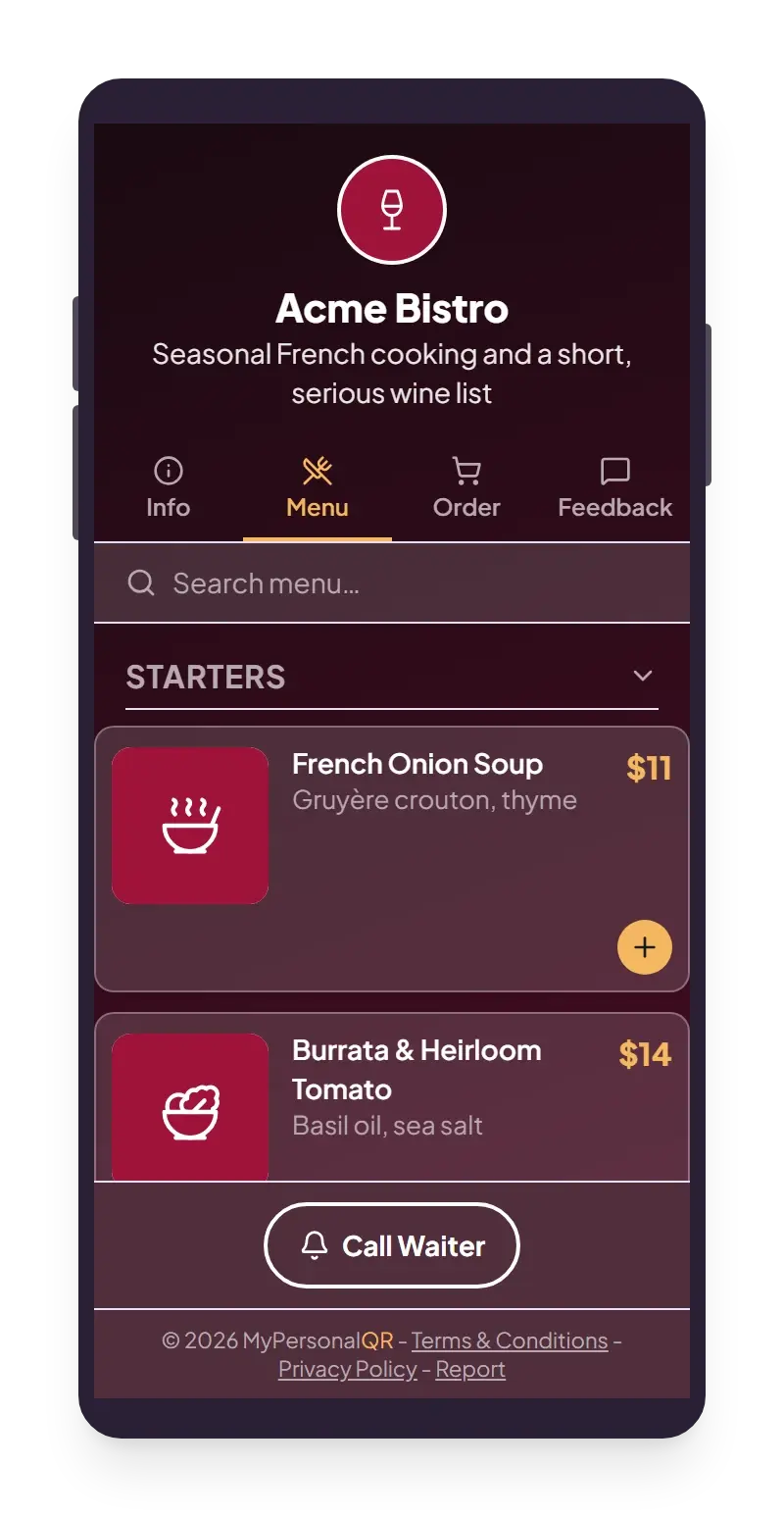
Breakfast, lunch and dinner without lifting a finger
If you serve breakfast until eleven and dinner from six, set the times once and the code shows the right menu on its own. It follows your opening hours, not the visitor's phone clock, so a tourist from another timezone still sees what you are actually cooking.
Any hour you haven't covered falls back to a menu you pick, so nobody ever scans and gets nothing.
Orders and feedback come straight to you
Switch on ordering and a guest can build an order at the table and send it to your email or to a system you already use. We pass it on and keep nothing.
Feedback works the same way. You often hear about a problem while the person is still in the building, which is when you can still fix it.
Try it on a code of your own. It takes a few minutes.