Create QR Codes You Can Update Anytime.
1. Choose a type
2. Add the details
Palette
Frame
More palettes
Illustrated scenes
Contrast 21.0:1 — solidly scannable.
Want scan tracking and editable pages?
Get startedStatic vs dynamic
Two kinds of QR codes. Both look the same. One does more.
A printed code can't change, but where it points can. That's the difference between static and dynamic.
Simple & instant
For links, Wi-Fi and one-off shares
- Create & download in seconds
- Unlimited scans, no expiry
- Full design customization
- No account required
- Can't edit later — changing the content means a new code
- No scan tracking
- Can't be taken down — once it's shared, it's permanent
Editable & trackable
For menus, campaigns, business & anything printed
- Change the destination anytime — no reprints
- Scan analytics: when, where, how often
- Built-in landing pages — menu, Digital vCard, business
- Pause or replace campaigns instantly
- Take it down anytime — no reprinting needed
- No account needed to start
- Free forever plan
- Works with every camera app
What can you share?
A QR code type for everything
25+ types, from menus and Wi-Fi to resumes and assets, each with its own polished result.
Who it's for
Built for the way you actually work
The same tool gets used very differently depending on what you do.
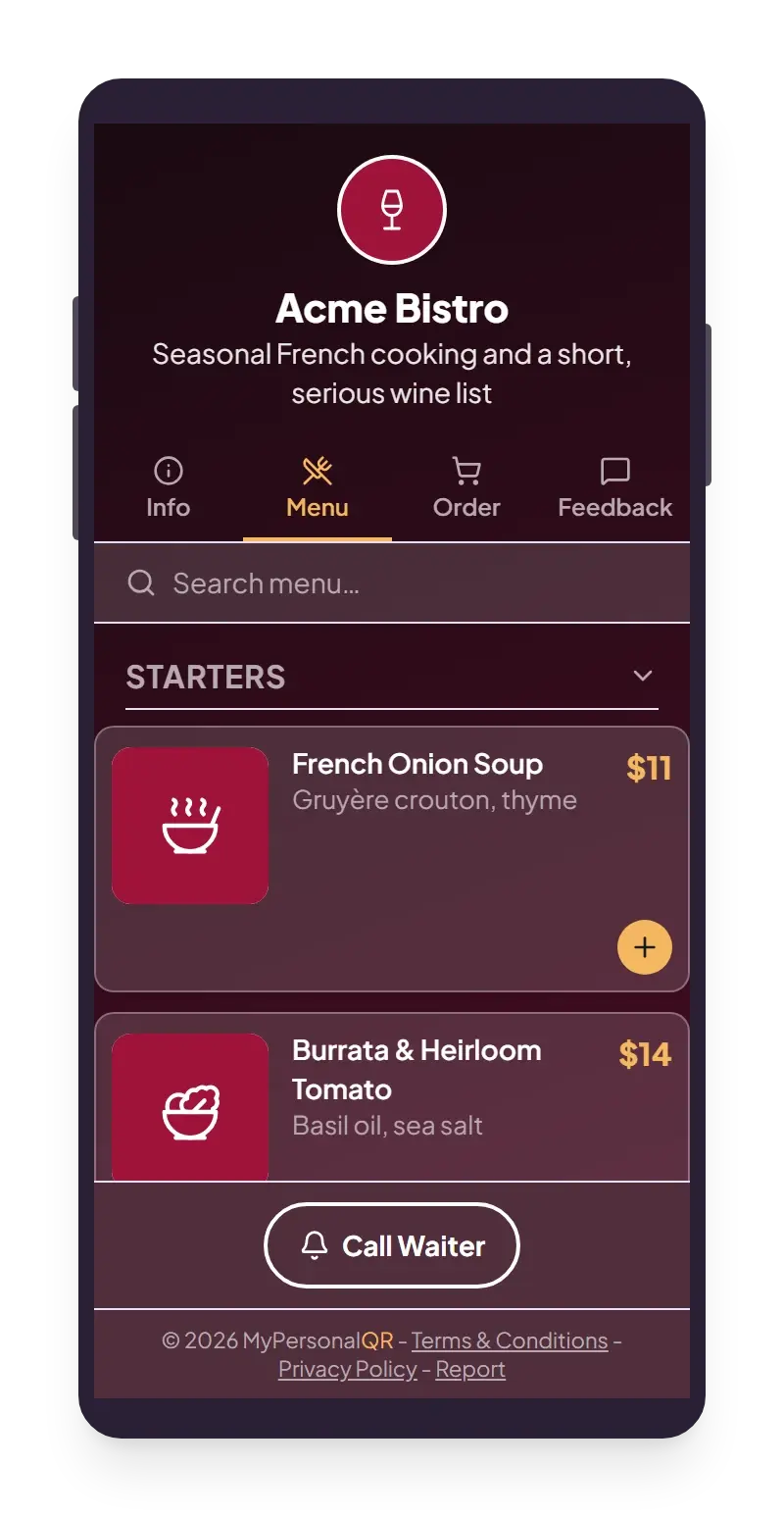
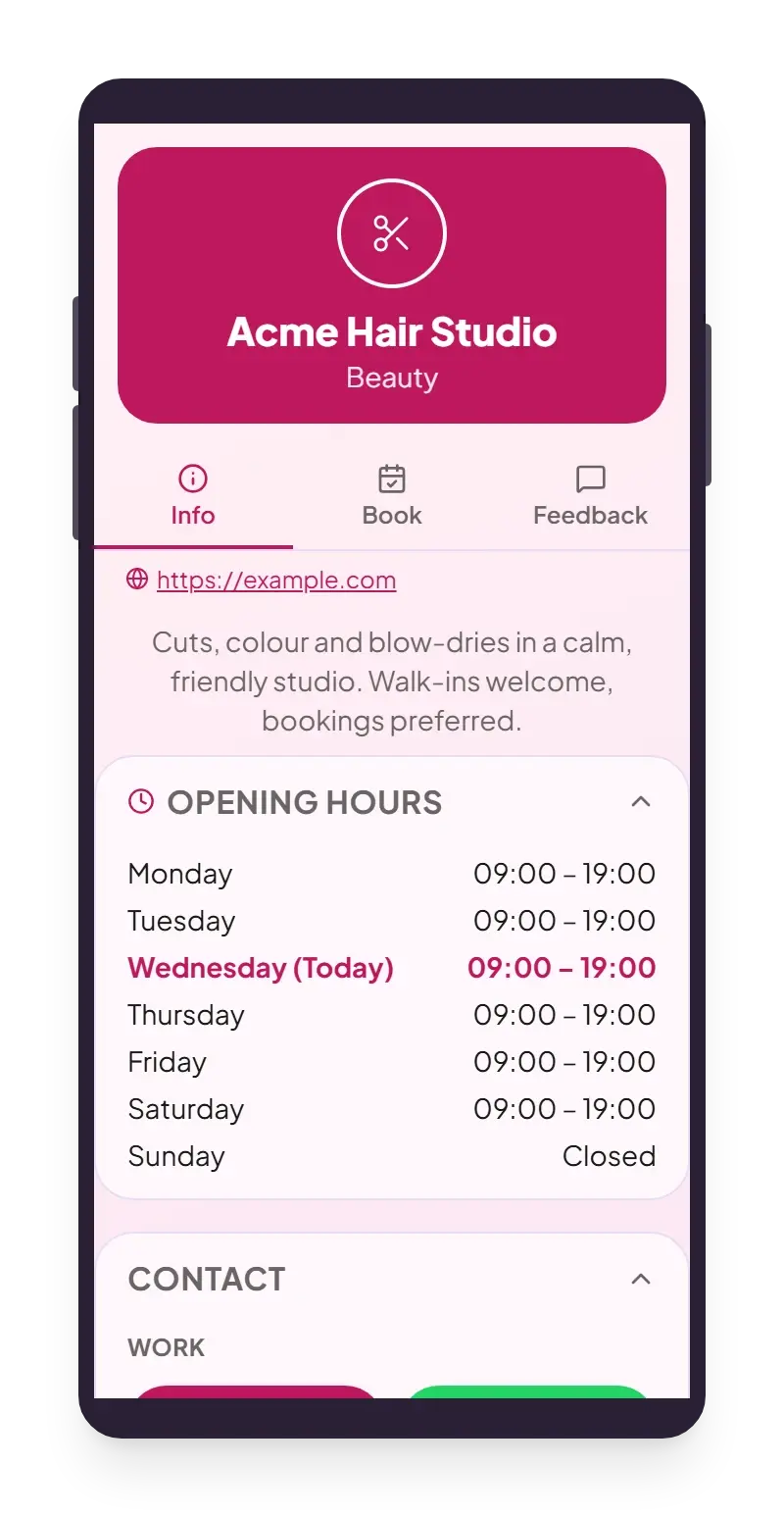
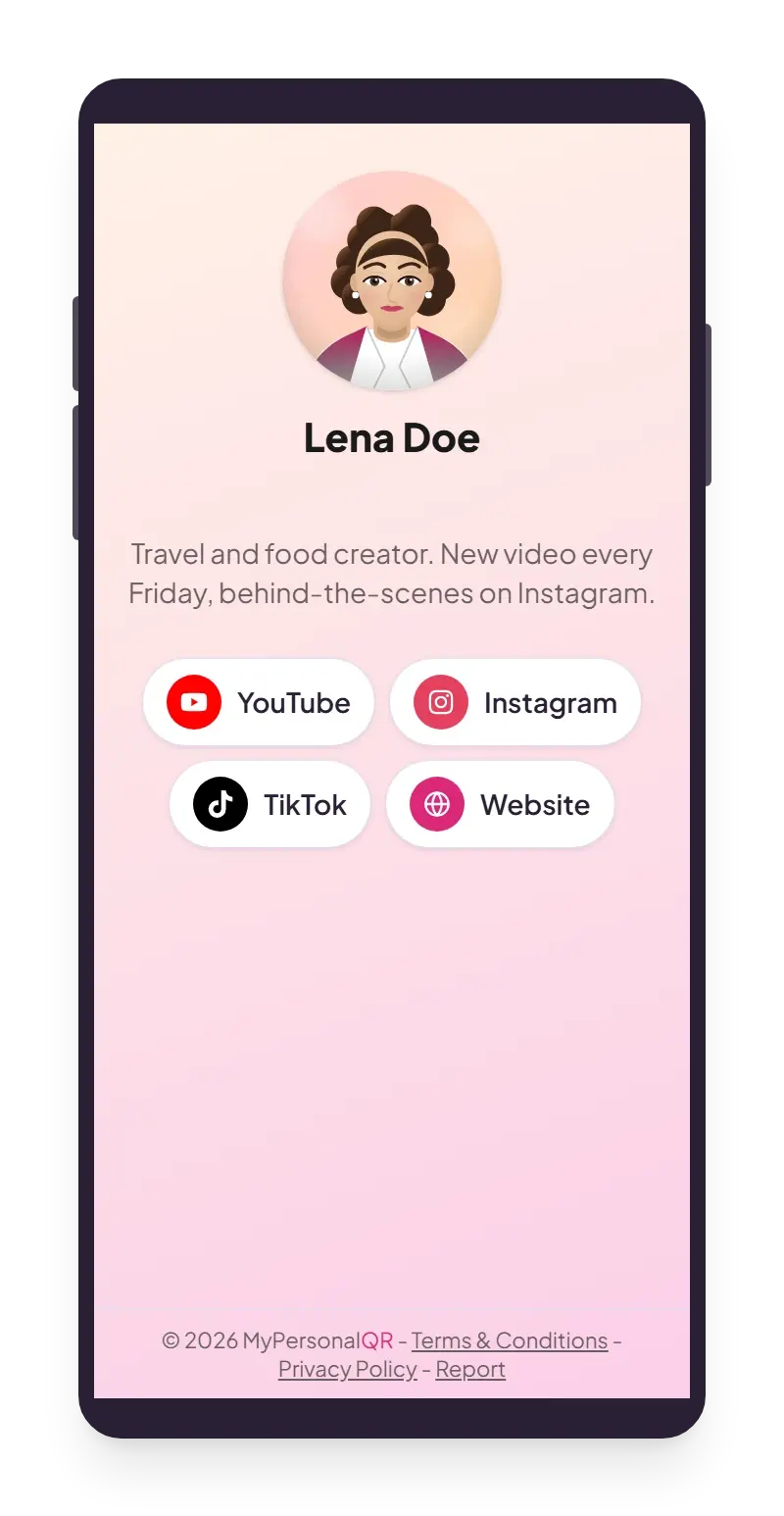
Ready-made templates. Every name and number in them is made up.
How it works
Three steps, under a minute
The same flow whether it's a simple link or a full restaurant menu.
Pick what you're sharing
A link, a Wi-Fi password, a menu, a business card. Choose the type and start filling it in.
Make it look right
Add your logo, pick colors, choose a frame. Templates get you most of the way there in one click.
Download and use it
Print it, put it on packaging, or share the file. It's ready the moment you download it.
See exactly who's scanning, and when
Every scan on a dynamic QR code shows up in your dashboard with the details that matter: where it happened, what device it was on, and how the numbers are trending over time.
- City and country for every scan
- Device and browser breakdown
- Daily and monthly trends, so you can see what's working
1,284
Total scans
912
Unique visitors
6
QR codes
Scans this week
Illustrative example -- your dashboard fills in with real numbers as soon as people start scanning.
FAQ
Common questions
Quick answers to get you started.
Ready to create your QR code?
Free, instant, no account needed to start.