Your QR Code Shows the Wrong Page at the Wrong Time. Here's the Fix
A scheduled redirect lets one printed code open a different link depending on the time, the day or the date.
The MyPersonalQR team2 min read · 12 March 2025
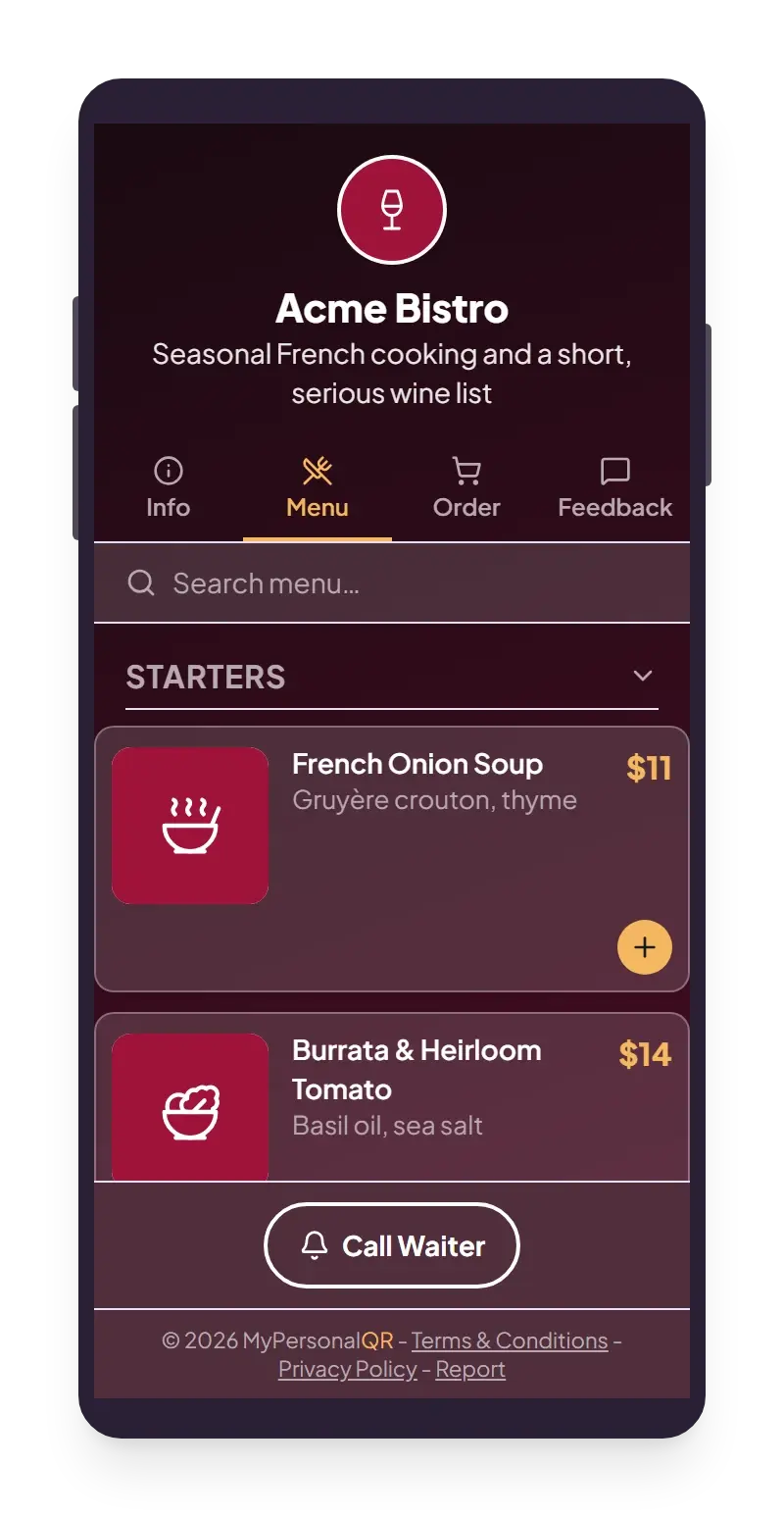
Picture a café with a small card on every table. Until half past eleven, the code on it should open the breakfast menu. After that, lunch. After three, the evening list.
Most places solve this one of two ways. Someone swaps the cards every day, and sooner or later forgets. Or the menu has everything on it, and nobody reads to the end.
There is a gentler way. The card stays where it is. The code on it works out what to show, based on the time.
The printed square never changes. Where it sends people does.
How it works, in about thirty seconds
You write a short list of rules. Each rule says when it applies and where to send people. When someone scans, the code goes down the list and uses the first rule that fits that moment.
A rule can send people to a link on another site, or to one of your own pages. You can mix both in the same list.
- 7:00 to 11:30 opens the breakfast menu
- 11:30 to 15:00 opens the lunch menu
- Everything else opens the evening menu and bookings
Where this saves the day
Anything where the right answer changes with the time is a good fit.
- A menu that changes by the hour, on one table card
- A booking page by day and a "we open at 9" page at night
- A weekday page and a weekend page
- A sale that opens, runs and ends on its own
- A multi-day event where each day opens its own agenda
Two small things to set up first
Every list ends with a fallback rule that has no time attached. If a scan doesn't match anything else, the fallback catches it, so nobody ever lands on a dead page.
You also choose one timezone for the code. Nine to five means nine to five where your business is, even if the person scanning is on the other side of the world. A window that crosses midnight, like 10pm to 2am, works the same as any other.
Nothing to remember on the day
Once the rules are set, the code looks after itself. Nobody has to switch anything at nine o'clock or put it back on Monday.
When plans change, you edit the rules. The printed code never has to be touched.
Try it on a code of your own. It takes a few minutes.